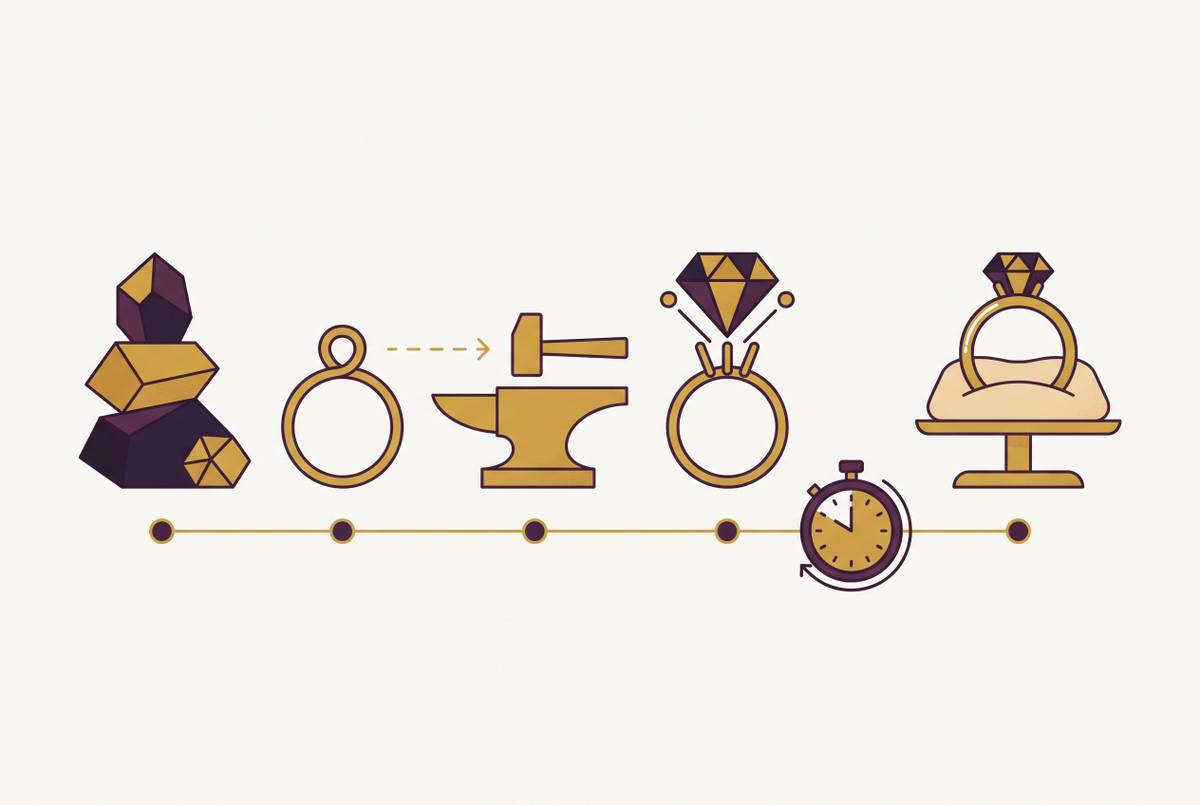
Engagement Ring Simulator vs. Full Builder Comparison
Simulators show what rings look like; builders turn choices into orders and production files.
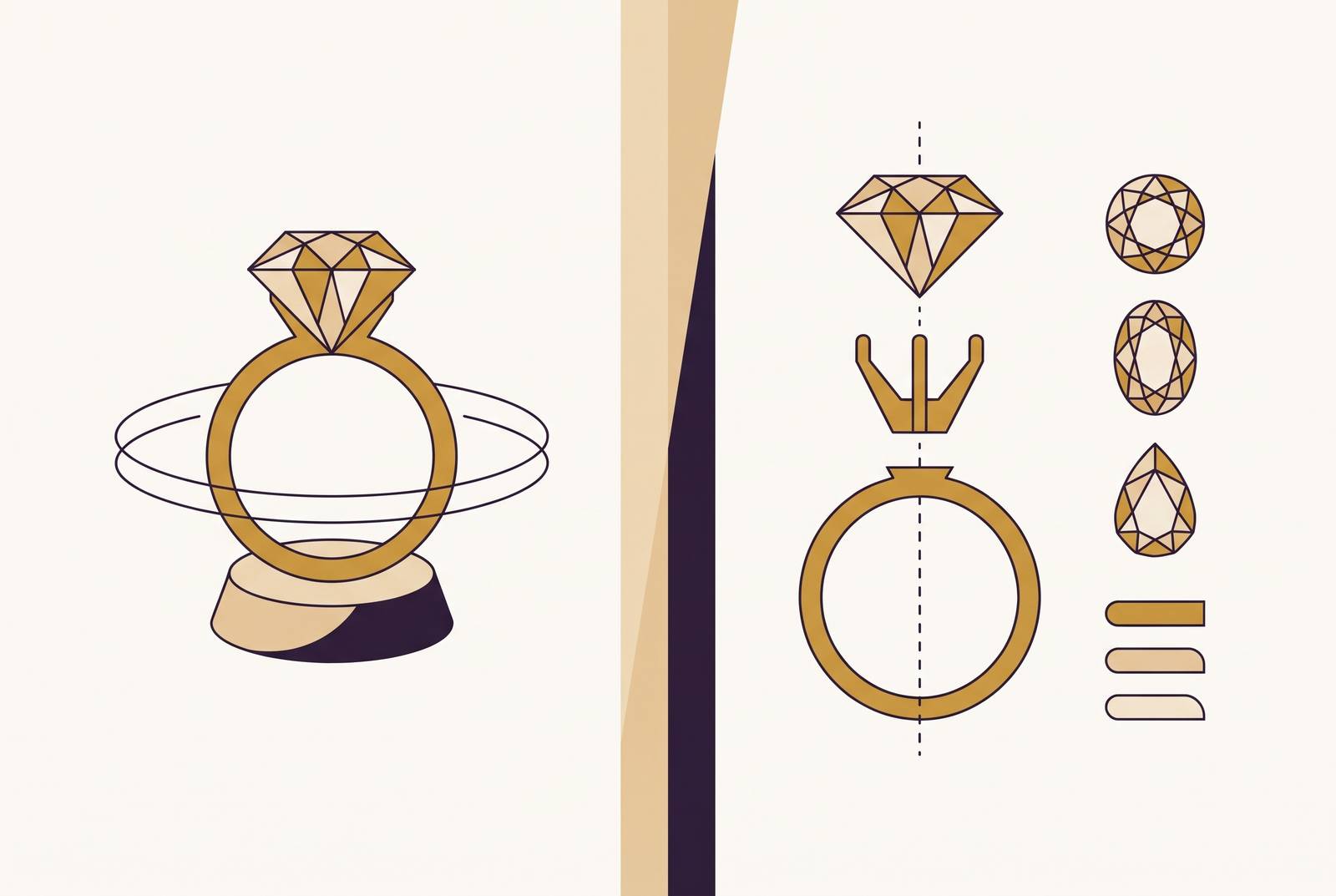
An engagement ring simulator helps a shopper picture a ring. A full builder turns choices into an order and, at its most capable, a manufacturing file. Jewelry brands need to choose for the job behind the screen. The business needs to decide whether to show a possibility, sell a defined configuration, or produce something new.
Why "simulator" and "ring builder" describe two different tools solving two different problems
Both tools show rings, but they make different commitments. A simulator answers how a style will look on a hand or in a particular setting, without necessarily defining what the brand must deliver. A builder turns selections into a specification that supports a quote, a cart item, or production. One supports exploration, while the other structures a transaction.
A simulator can offer choices without becoming a manufacturing pipeline, and a builder can show beautiful images without making geometry that can be used. Confusing those roles leads a brand to expect orders from a discovery tool or open-ended creativity from a tightly bounded catalog selector. The right choice therefore starts with the problem the brand actually needs to solve.
What a simulator actually does and where it stops
A simulator gives customers context that a product photograph cannot. Through AR or photorealistic visualization, shoppers can judge a style, size, or metal on their hand or in a styled image. That reassurance has real commercial value. An engagement ring is an expensive purchase with an unusually emotional job description, so helping someone picture it is not a decorative extra.
For AR to look real, it has to do more than place a ring-shaped graphic over a camera feed. Hand tracking must put the ring in the right place, scaling must match the user's finger size, and materials must respond to ambient light. It is hard for web-based tools to do all of this fully. The engineering is substantial even when the interaction looks effortless.
However, visualization alone leaves an image or an impression. Try-on can encourage a purchase, but the shopper still needs a builder, checkout path, or store to complete it. Discovery is its proper home. In that role, a simulator can ease worries before a store visit and help a brand stand out, without being judged on production work it was never meant to do.
What a ring builder actually does and where it has to go further
A builder gives the shopper a defined set of choices, including metal, stone, setting, size, and engraving. As those choices change, the preview shows the combination, while the resulting specification can attach to a quote request or cart item. The output gives the brand something actionable. It is no longer just a picture of what the customer likes.
Making that preview credible is demanding in jewelry. Yellow gold, white gold, and platinum reflect light differently, while gemstones need to convey fire, brilliance, and scintillation. Lighting changes their appearance, and convincing engraving requires geometry on the band.
Some builders connect settings to live diamond inventory, while others configure designs that the brand will make afterward. Those models require different fulfillment arrangements. In either case, a visual specification is not automatically a castable STL or STEP file, which is the production-readiness threshold a full manufacturing workflow must cross.
The three functional archetypes the market has settled into
The first archetype has a fixed set of options. Shoppers choose among predefined metals, stones, and sizes, and the tool swaps pre-rendered images to match. It is fast and straightforward. Its boundaries are the designs the brand has already modeled and photographed, so it cannot accommodate a genuinely new bespoke design.
The second archetype is a true 3D builder, with a real-time preview that changes as the shopper configures the ring. Most ring builders sit in this group. Their visible behavior may look similar, but their outputs differ, since a visual specification may or may not connect to a manufacturing file.
The third archetype is AI bespoke, where a shopper describes or designs something the brand has not previously modeled. AI generates the concept and, in the most capable implementations, a first production file. This is the newest and least populated category. Across all three, the structural divide remains whether the business fulfills from existing inventory or makes to order, rather than how impressive the interface looks during a demonstration.
How the current tool landscape maps to those archetypes, with pricing
LX Ring Designer on iOS offers try-on together with metal choices, gem colors, ring combinations, and a price quote, so calling it a simulator does not mean it has no configuration features. James Allen, Blue Nile, and Brilliant Earth instead let shoppers choose a setting and diamond and then buy the ring. The distinction is where the interaction leads.
For brands selling real diamond stock, VDB Ring Creator, GemFind RingBuilder, Brilliance Builder, Keyideas RingBuilder, and Custom Ring Builder connect settings to live diamond feeds. VDB has a high one-time setup cost and a substantial monthly fee, while GemFind and Brilliance occupy the mid-range monthly group. Keyideas has lower monthly rates on Shopify and WooCommerce/WordPress, and Custom Ring Builder is also in the group with lower monthly rates. Here, inventory is the product being configured.
General-purpose 3D tools have a different cost structure. Zakeke and Kickflip add a per-order percentage to their monthly subscriptions, with Kickflip's fee reaching up to 1.95%. At engagement-ring prices, that percentage can exceed a flat plan quickly as sales grow. Ring Facet instead uses a flat monthly rate, while Jewelith Studio has variable monthly pricing for component configurators beyond rings.
Threekit sets its enterprise prices by contract, while Gemist starts with a monthly rate agreed with the buyer and a fee to set it up. Custom agency work ranges from thousands one-time for a templated builder to significantly higher costs for bespoke 3D configuration with pricing and manufacturing integration. Ownership also brings responsibility for maintenance. The prices described here for September 2026 can change often, so buyers should check the terms when they buy.
Why most builders stop short of production-readiness and what that gap costs
When a builder stops at a render and specification, someone still has to translate the order into manufacturing geometry. That person may be an in-house designer or a CAD freelancer. The manufacturer then receives the file before production begins. Each handoff introduces room for delay and error, even though the customer-facing configuration already looked complete.
A castable file needs a manifold mesh without holes, wall thickness above the casting minimum, and shrinkage compensation before it goes into production.
The timing consequence is easy to overlook. Custom rings generally take 2–6 weeks from final design approval to completion, and that clock does not begin when the shopper clicks “order.” It begins after the manufacturing file is approved. For a made-to-order brand selling toward a proposal, anniversary, or holiday, the interval before approval affects what delivery promise the product can honestly support.
Jewelry businesses have always used CAD between an idea and a finished ring, so the existence of that step is not itself a failure. The new pressure comes from the speed implied by digital configuration. A customer can finish selecting a ring quickly while the production work remains untouched. The hidden cost is the manual translation behind every apparently finished order.
How parametric design and AI close the gap between configuration and castable file
Parametric design uses rules to change the geometry based on the customer's choices. A ring model has adjustable parameters such as finger diameter, band width, stone size, and metal thickness, which update proportionally as variables change. One model can make many versions that are ready for production. The geometry does not have to be rebuilt from scratch for every selection.
Within the validated parameter range, those variants inherit the original model's wall-thickness rules, prong geometry, and structural integrity. Manufacturing constraints are built into the model. This makes parametric design a good fit when customers change an existing design.
AI serves a different part of the pipeline by turning a text description or image into a first 3D mesh quickly enough to support concept discussion. That allows a brand to show an idea before committing a CAD jeweler's time. Human oversight still follows. Stone settings, wall thickness, and shrinkage compensation need to be checked before the first file can be used for production.
The distinction is especially important with complex micro-pavé and unusual settings, where generated geometry can contain extra prongs or shifted proportions. These details still require a CAD jeweler. For seasonal collections, the same approach lets merchandising teams use generated models as proxies, edit the line, and reserve CAD resources for designs that survive selection.
How the digital experience around a configurator affects whether customers complete the purchase
Even a builder that connects to production can sit on a page that leaves shoppers unsure about buying. Jewelry's emotional stakes and price points make trust and clarity part of the configuration experience itself. The page must explain what the selection means. A convincing ring preview cannot answer an unanswered question about what the customer will receive.
That makes information placement a practical design requirement. Material, weight, plating, and stone specifications should be immediately visible, while sizing guidance belongs where the customer chooses a size. Custom delivery timelines need to appear before checkout. For a configured engagement ring, the arrival date is part of the product's usefulness.
The interaction must also connect choices to consequences. Visual changes and price should update as customers select options, so changing a metal or upgrading a stone produces a clear signal.
AR try-on fits naturally into that decision sequence. Embedded with a builder, it can reduce size and fit anxiety before the customer settles on a configuration. It has a specific job there. The simulator supports confidence, the builder defines the purchase, and the surrounding page explains the promise the brand is making.
How to match the right tool type to the brand's business model and inventory architecture
The practical choice starts with how the brand fulfills orders. For a defined catalog with preset options, a simple 3D builder such as Ring Facet can be sufficient because production-readiness is handled before the configurator is built. Retailers that sell from live diamond stock instead need a builder tied to that inventory. Both kinds of business get little from paying for open-ended bespoke features they will not use.
Made-to-order and design-first brands need a connection from configuration to a manufacturing file. Without that connection, someone still has to turn each order into a CAD file by hand. Independent designers and boutiques have a particularly strong case for an all-in-one platform covering design, CAD, and configuration in one subscription. When a freelancer is hired for every configured order, the strain on costs and timing grows as orders increase.
Enterprise brands running seasonal collections have a different reason to invest in AI. Their useful workflow is to generate concepts, edit the line, and commit CAD resources only to selected designs, with a platform that supports that loop natively. The simulator decision remains separate. Physical retail and discovery-led brands can use try-on to reduce visit friction and support exploration, but online order conversion still needs a purchase workflow behind the picture.