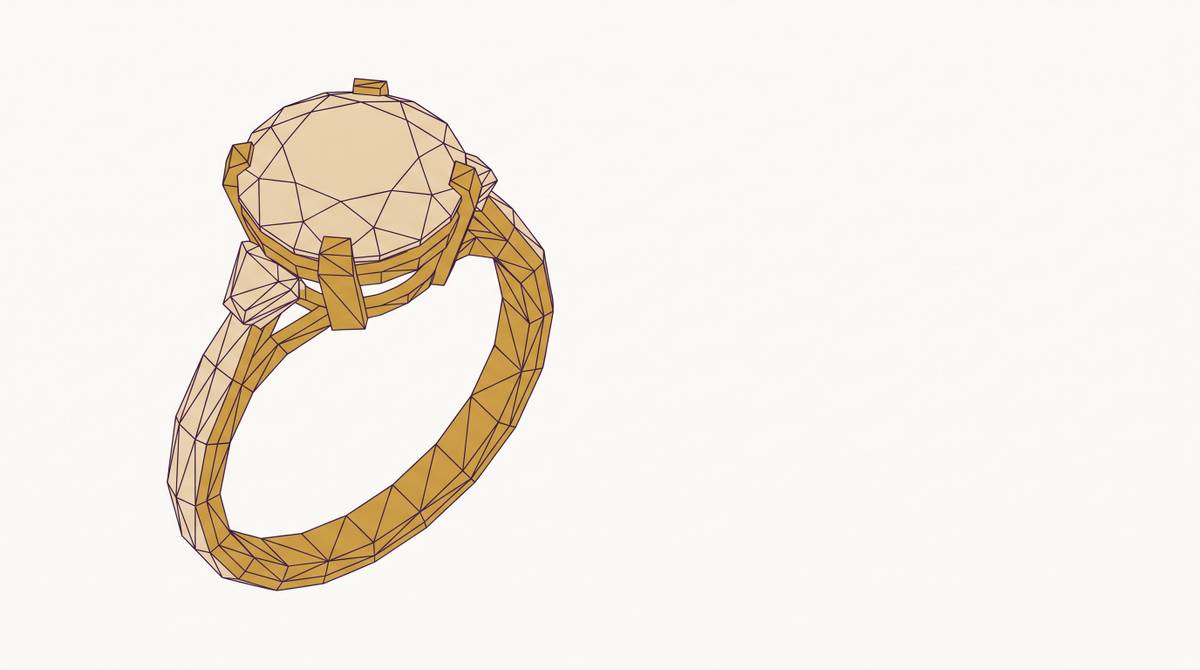
How a Customer's Ring Configuration Becomes a File the Casting House Can Use
Parametric modeling turns customer choices into manufacturing-ready files automatically.
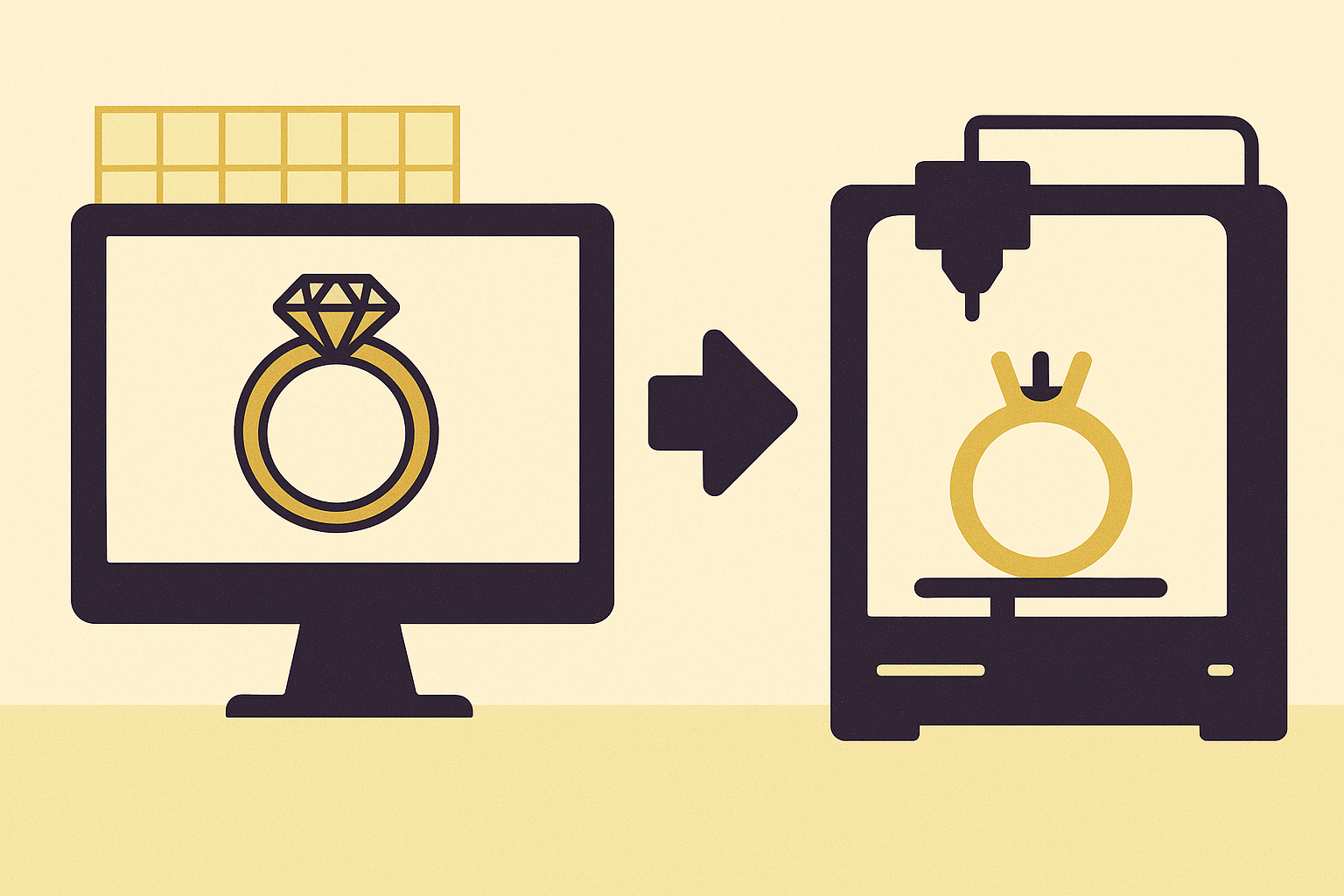
Choosing a ring is not like picking a shirt off a rack. A size large shirt already exists. It's sitting in a bin somewhere. You just grab it.
A ring configuration is different in a way that matters enormously once you get to production. Every combination of choices produces a geometrically unique object that has never physically existed before.
- Metal type and karat change weight, cost, and how the piece behaves in a kiln
- Gold color changes alloy composition, not just appearance
- Finger size changes shank geometry. Not just the diameter. The proportional wall thickness too.
- Stone size and count change prong placement, seat geometry, and the structural load the setting has to carry
Even a half-gram difference in metal weight changes the price. Which means there is no master model sitting in a library somewhere that you just resize or recolor. The geometry has to be computed from whatever the customer just picked, every single time.
This is why a spreadsheet of options or a static render cannot serve as production input. The geometry is not waiting to be selected. It has to be built, rule by rule, from scratch.
Parametric Modeling Turns Design Intent Into Rules a Configurator Can Actually Run
So how do you build geometry on the fly, from customer inputs, fast enough to run in a browser session? Parametric modeling. The core idea is simple even if the execution isn't: instead of drawing a fixed shape, you write a set of relationships. Mathematical rules that describe how geometry should behave when inputs change.
- A shank width is not a hard number. It's a function of ring size and metal type.
- A prong height is not arbitrary. It's governed by stone diameter and the minimum depth needed to hold it securely.
- When any input changes, the whole model recalculates. Everything.
Tools like Rhino and Grasshopper express this as algorithm-driven form generation. The design is built by a sequence of mathematical operations, not drawn command by command. Fabrication constraints get baked directly into the logic. Wall thickness. Stone seat tolerances. Casting behavior. All resolved in the model before the piece ever reaches a casting house.
What the customer interacts with in the browser is just the front end. The actual work is happening in a rule engine running on the server. The browser captures choices. The server runs the parametric logic. Valid geometry comes back.
Most brands don't need to write this logic from scratch for every new design either. The same shank family or halo structure appears across many products. You write the rules once. They apply to every variant that follows. That's the efficiency that makes any of this scalable.
The Geometric Constraints That Turn Customer Choices Into a Structurally Valid Model
Having a parametric model is not enough by itself. The rules have to enforce real manufacturing constraints, not just produce geometry that looks plausible on screen.
The most important one is wall thickness. For sterling silver, the minimum is 0.8mm. Go thinner and it will not cast properly. It is also structurally fragile. It will fail in finishing, or it will fail on a customer's hand six months later.
Other constraints the system has to enforce:
- Fully connected geometry. No floating islands, no unintended gaps between surfaces.
- Supported elements. Overhanging geometry that can't survive casting has to be caught before output, not after.
- Stone seat dimensions. Enough bearing surface to hold the specified stone. Not close. Exactly enough.
- Prong count and placement. Derived geometrically from stone shape, not set manually per order.
When a customer's choices would violate a constraint, a properly built configurator refuses or corrects the combination. It either blocks the option entirely or adjusts a dependent dimension automatically. The customer never sees an invalid configuration because it's never offered.
A visual-only tool doesn't have this layer. It surfaces whatever combination the customer selects, because it has no concept of what is manufacturable. The image looks fine. The geometry underneath is not.
Polygon count is worth flagging here because it gets overlooked almost every time. Too high and the file is unnecessarily large and slow. Too low and smooth curves read as faceted in the final metal piece. Mesh resolution has to match what casting houses actually expect in a submission. That's a constraint too, just a quieter one.
How AI Compresses the Design Work That Parametric Constraints Require
The traditional path from brief to production-ready file was slow by design. Brief, sketch, CAD artist, rendering, revision, repeat. That loop ran two to three weeks before a first file was ready. That pace doesn't work for a commerce tool where a customer expects to confirm an order in a single session.
AI compresses the front end of that process meaningfully. Text or image input can now produce a 3D mesh geometry in under two minutes. What used to take days of manual CAD work happens in a session. A designer can iterate across many generated concepts quickly and pull one forward for finishing.
But this is where people get the picture wrong. AI replaces the sketching phase. It does not replace the manufacturing precision phase.
- For simpler forms (solitaires, standard bands, bezel settings), an AI-generated model will need only a cleanup pass before it's production-ready.
- For complex geometries (intricate pavé, asymmetric structures, organic forms), a skilled CAD person still finalizes manufacturing tolerances. That work doesn't disappear.
The hybrid model that's actually working in production right now is AI for generative speed at the front end and parametric constraint logic for manufacturing safety at the back end. For a configurator specifically, AI is most useful in generating and validating the design family that gets encoded into parametric rules. Not in running live during each customer session, where the constraint engine is doing the real work.
What the Output File Must Contain and Why STL Is the Casting House's Working Format
When a validated configuration is ready to submit, the output format matters more than most people building configurators realize until it's too late. STL is the standard. Some casting houses also accept OBJ and 3DM, but STL dominates for a practical reason: it encodes surface geometry as a mesh of triangles, is universally readable by slicing software, printer firmware, and DFM checkers, and requires no proprietary software on either end.
But the file doesn't go alone. A complete submission includes:
- Metal type and karat
- Finger size
- Ring width and height dimensions
- All stone sizes and stone count
- Metal weight
- Finishing level (raw casting or polished)
A production-ready configurator generates all of this from the customer's session. The geometry and the specification sheet come out together, not assembled by hand after the fact by someone cross-referencing an email thread.
Files with geometry problems get returned before production begins. Thin walls, disconnected elements, and unsupported parts are the most common rejection causes. A file that passes DFM review on submission is not a bonus. It is the entire point of building constraint logic into the configurator in the first place. The alternative is outsourcing your quality control to the casting house, and paying for it in delays you didn't budget for.
How the Casting House Converts an Approved STL Into Metal
Once a file clears review, the physical process follows a specific sequence. Every upstream geometry decision becomes physically real at each step, which is why the constraint logic upstream matters so much.
- The STL is loaded into slicing software. Supports are generated. The model is sliced for printing.
- A high-resolution SLA or DLP printer builds the physical model using castable wax resin.
- The resin is formulated to burn out cleanly in a kiln. Standard resin leaves carbon residue that causes porosity. Professional-grade resins use at least 20 to 30% wax content.
- The wax model is attached to a central sprue tree. The tree goes into a steel flask. Investment plaster encases it.
- The flask goes in the kiln. The wax burns out completely, leaving a hollow negative mold.
- Molten metal is forced into the mold under centrifugal or vacuum pressure.
A wall that was 0.7mm in the file is 0.7mm in wax, and 0.7mm in metal. Below the minimum, it fails at casting or breaks in finishing. The file is not approximate. It is a physical blueprint executed at scale.
Turnaround ranges from a few days for straightforward orders to several weeks for complex or high-volume runs. AI-assisted casting simulation is starting to let shops predict molten metal behavior before the pour, which is beginning to reduce defect rates for shops that have adopted it. The file quality you send upstream still determines how much of that prediction is useful.
Why Dynamic Pricing and SKU Generation Must Be Solved at the Configurator Layer, Not After It
Every unique ring configuration is also a unique product with a unique price. One that cannot be looked up in a table because it has never existed before.
A dynamic pricing engine has to pull live metal rates, apply product-specific formulas, integrate discount and tax logic, and reflect updates in real time during the session. Simultaneously, the configurator needs to generate a unique SKU for the exact combination the customer just built. That SKU is what makes the order traceable through fulfillment.
If pricing gets calculated manually after the session, by a sales rep consulting a rate sheet, the configurator is a visualization tool with an order form attached to it. That's not a commerce tool. That's a fancy brochure.
What a fully integrated system produces the moment a customer confirms:
- A validated STL file with accompanying specification sheet
- A unique SKU tied to the exact configuration
- A price calculated from live inputs
- An order record the fulfillment team and casting house can act on immediately
Manual reconciliation between what a customer configured and what gets submitted to the casting house is where errors concentrate. Every hand-off is a delay. Every delay is a cost. Every re-entry is a chance for the wrong stone count or the wrong metal karat to show up in the job packet.
What Separates a Visual Configurator From One That Outputs a File a Casting House Will Accept Without Revision
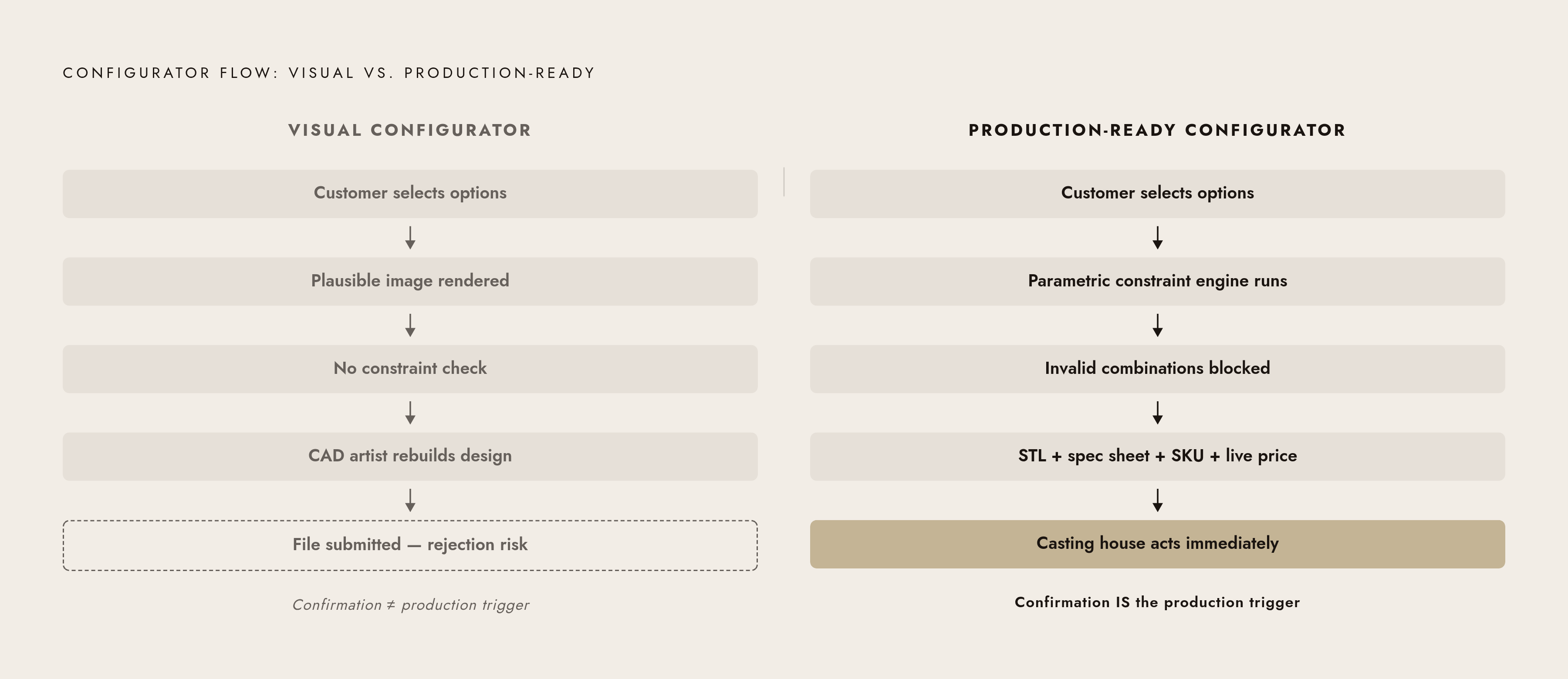
Visual quality and interface polish are not what separate a working configurator from a broken one. The actual line is whether geometric validity and manufacturing constraints are enforced before the file leaves the system.
A visual configurator renders a plausible image of any combination the customer selects. It has no constraint layer, so invalid combinations get displayed instead of blocked. It produces no geometry, or produces geometry that hasn't been validated against casting requirements. The result is that a CAD artist has to rebuild the design from the configuration before anything can be submitted to production.
A production-ready configurator encodes design intent as parametric rules, so every customer choice resolves through a constraint system before it surfaces as an option. It enforces wall thickness, connected geometry, and stone seat dimensions before any output is generated. It outputs an STL with the specification data the casting house needs to act immediately. It generates pricing and SKU in the same session, so the commerce record and the manufacturing file match exactly.
The operational difference is blunt. With a visual configurator, production cannot begin at confirmation. It begins after a design team reviews and rebuilds the order. With a production-ready configurator, confirmation is the production trigger.
At scale, that gap gets expensive fast. Each manual rebuild is a delay, a cost, and a point where errors enter the pipeline. The traditional process that took days per design reappears inside every single order. The configurators that handle real volume cleanly are the ones where the manufacturing logic was built in from the start, not added later when someone realized the casting house kept sending files back.