Managing Multi-SKU CAD Libraries for Jewelry Collections
Organize parametric models and review gates before your SKU count spirals.
There's a version of this problem that every jewelry brand hits, usually somewhere between their fiftieth and two-hundredth SKU. The library that worked fine when the collection was small just stops working. Files are hard to find. Variants get rebuilt from scratch because nobody can locate the original. Two designers are working from slightly different versions of the same setting. A wrong file goes to the casting house.
None of it is dramatic in the moment. It accumulates quietly, and by the time the team notices, the damage is already expensive.
The CAD library is not an archive. It is the operational backbone of how a jewelry brand develops products and gets them manufactured. Treat it like a folder of files and it will eventually cost you more than you saved by failing to think about it sooner.
The scale of the problem is worth naming plainly. Jewelry catalogs compound fast. A single ring design in three metals, four stone sizes, and seven ring sizes is already eighty-four SKUs before you add seasonal finishes or engraving options. Pandora runs a catalog of over 3,000 SKUs. That is not a design problem. That is a data management problem. Each jewelry SKU carries somewhere between twelve and eighteen individual attributes on average. Multiply that across hundreds of designs and the data surface gets enormous in a hurry. The brands managing it well are not working harder. They structured the library better from the start.
The naming problem compounds silently. A library that works at fifty SKUs will fail at five hundred. Not because someone did something wrong. Because nobody designed the schema to scale.
Here's what a workable naming system needs to capture, per file:
- Product category (ring, pendant, bracelet, earring)
- Collection or season identifier
- Metal and finish (18k yellow gold, sterling, rose gold vermeil)
- Stone configuration or setting type
- Size or dimensional variant
- Version or revision number
Every one of those dimensions needs to be in the file name, in a consistent order, every time. The goal is that anyone on the team can find any file without asking anyone else. Sounds obvious, right? Most libraries fail to do it.
Folder hierarchy is a separate decision from naming, and people conflate them constantly. Do you organize collection-first, category-first, or material-first? The right answer depends entirely on how your team retrieves files. If your casting manufacturer works by material type, material-first will serve you better. If you pull files by season for catalog shoots, collection-first wins. There is no universally correct hierarchy. There is only the one that matches how your team actually works.
Version control deserves its own moment, because "final," "finalv2," and "finalACTUAL" are symptoms of a missing protocol, not bad intentions. A version protocol is simple: establish it, enforce it, and flag locked files versus working copies directly in the naming schema. Revision logs should live with the file, not in a designer's head.
The one rule worth repeating: one file equals one source of truth. Variants live inside parametric models. They do not live as duplicate files with slightly different names. Agree on the organizational schema before the library grows, because retrofitting it at scale is one of the most expensive and demoralizing operations a design team can undertake. Anyone who has had to rename eight hundred files under a deadline deadline is not going to forget it.
Parametric Design Eliminates the File Explosion Problem
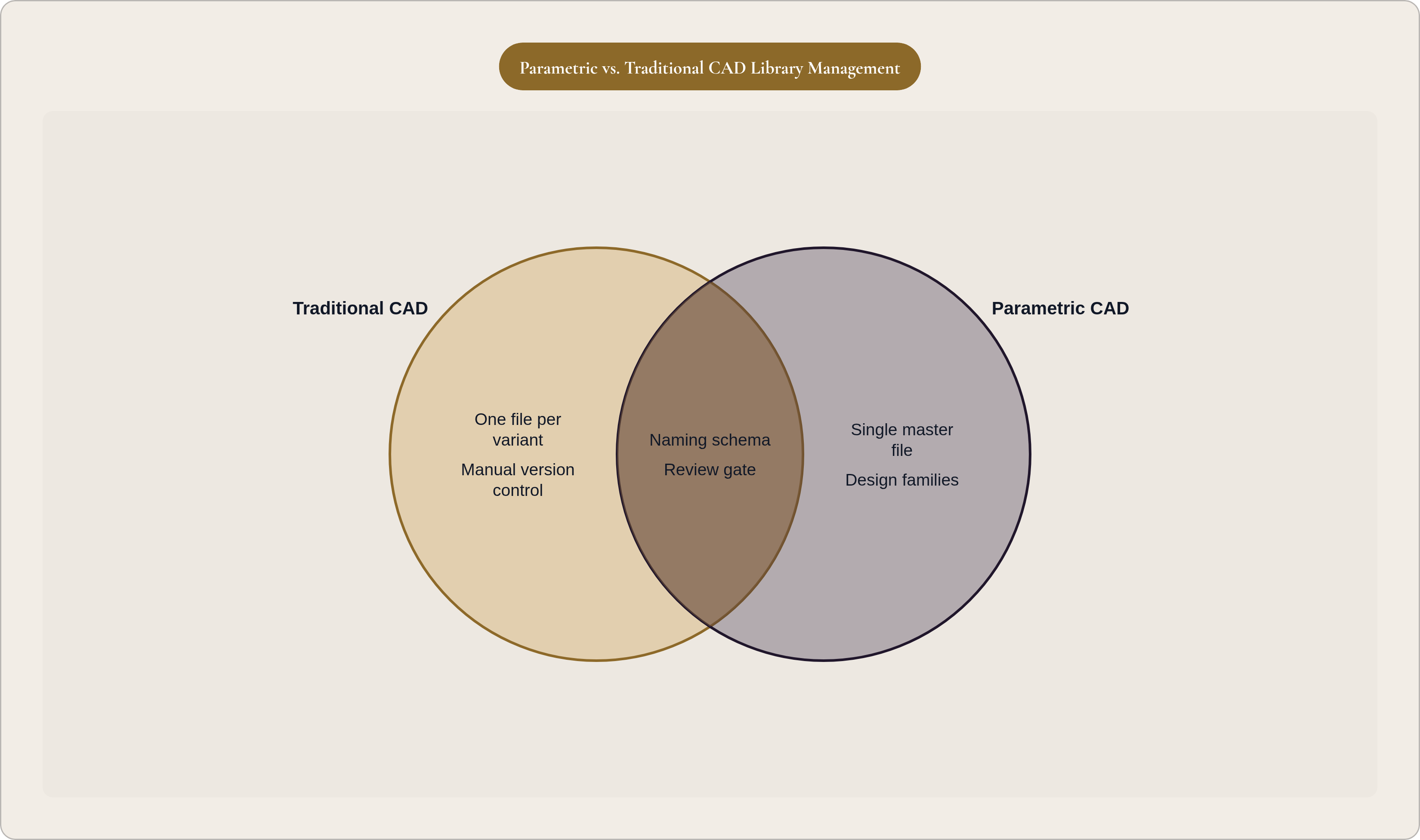
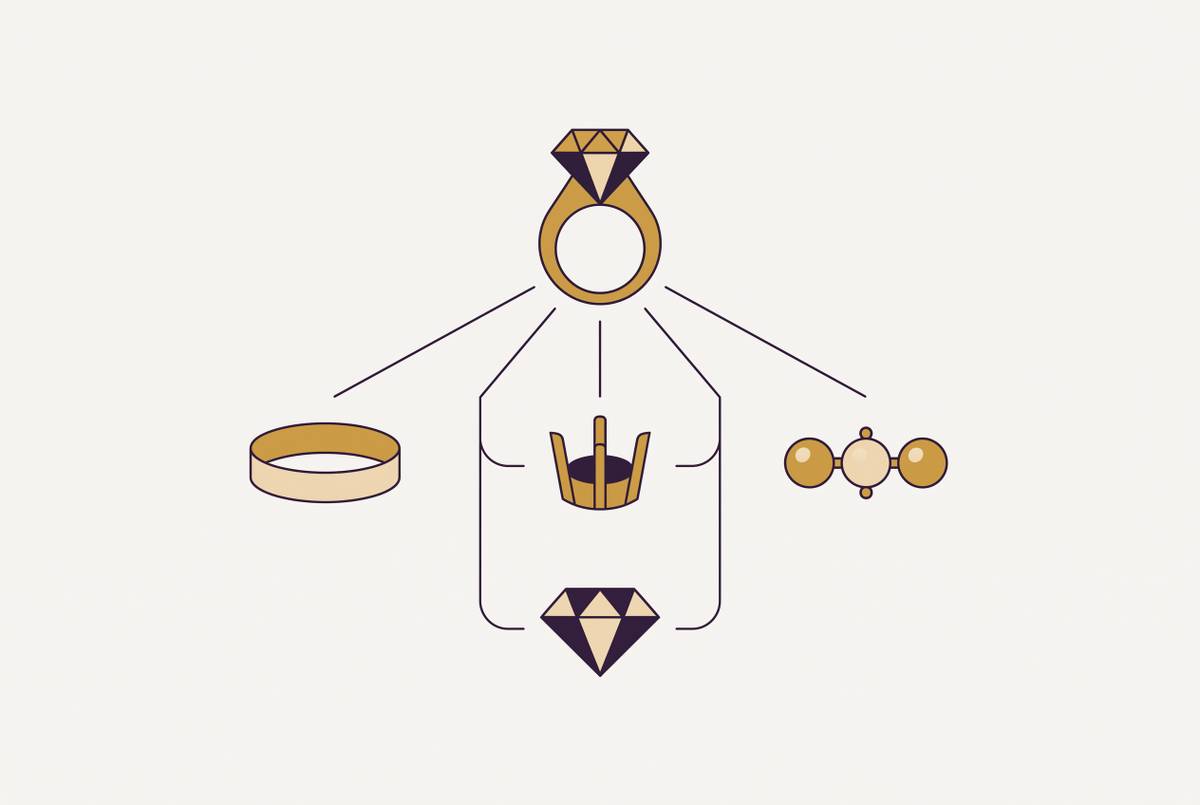
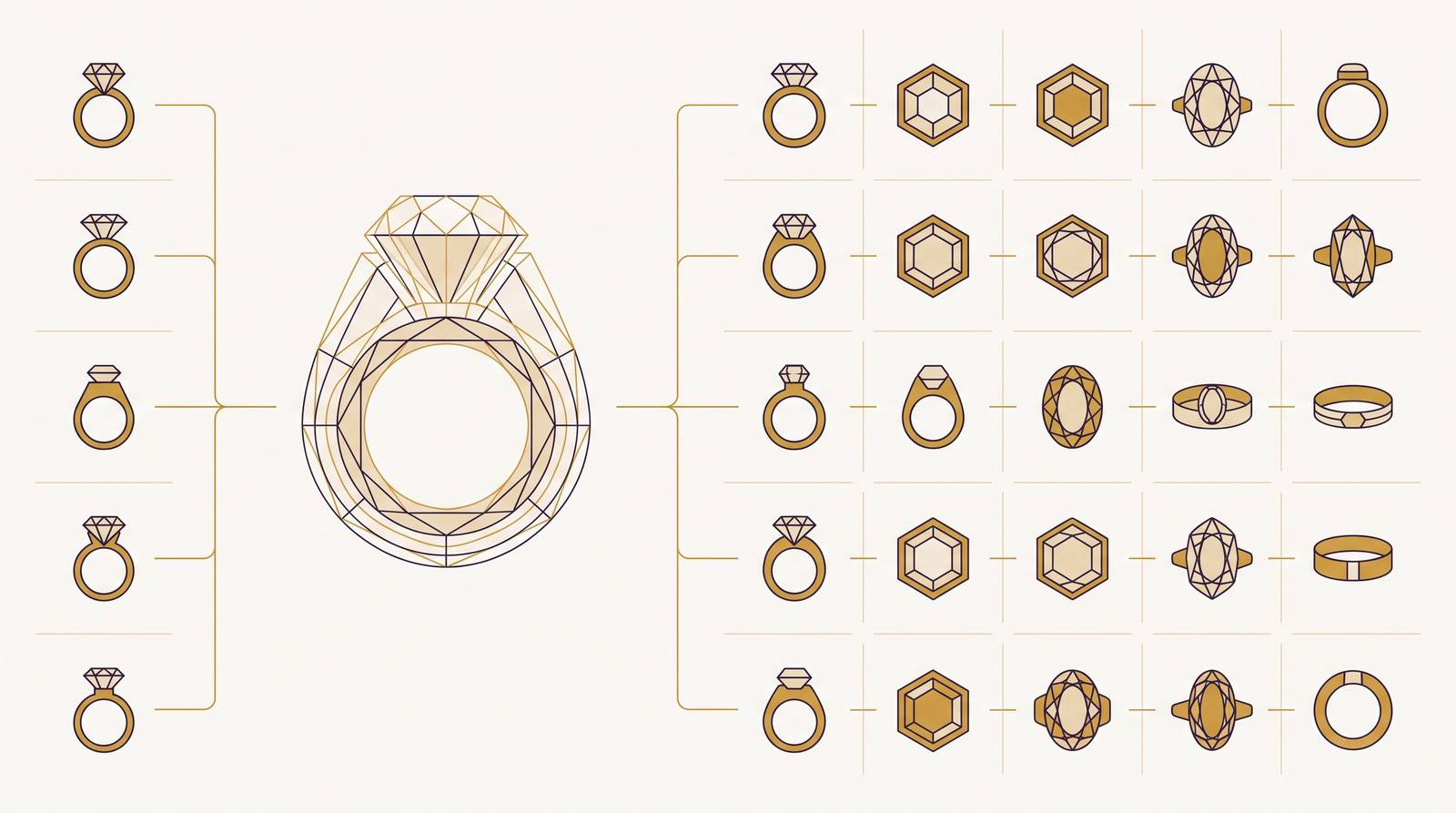
Traditional CAD library logic is one file per variant. That gets out of hand fast. A parametric library flips the model: one master file, with dimensions driven by a parameter set, and any variant is produced by changing the inputs rather than duplicating and editing a copy.
A parametric ring model can adjust finger size, stone diameter, shank width, and prong height from a single file. The variant is an output of the model, not a separate file you have to name, store, and keep from getting confused with the other seventeen versions of itself. Platforms like MatrixGold extend this further, letting designers modify any stage of a design without rebuilding from scratch, the model tracking every step dynamically. Stone variation gets handled through preset gem databases covering thousands of cuts and sizes, applicable without touching the geometry.
The implications for library management are concrete:
- Fewer files to name, version, and store
- Consistency enforced by the parameter set, not by individual designer discipline
- Edits propagate through the family, rather than requiring one-by-one updates to dozens of files
The organizing unit in a parametric library is the design family. A halo engagement ring family. A tennis bracelet family. A stud earring family. Each one is a single parametric master rather than a folder of near-identical files that someone, someday, will inevitably get wrong.
Where this falls short: highly bespoke one-offs, organic sculptural forms, or designs where every variant diverges fundamentally from the next still require discrete files. The parametric approach is not universal. But for the repeating structures that make up most commercial jewelry collections, it is the correct default, and treating it as optional is how libraries become unmanageable.
AI Closes the Gap Between Brief and Production File
The traditional path from brief to production-ready CAD involved sketch interpretation, rounds of feedback, and manual modeling. Depending on complexity, that cycle took two to five days per design, sometimes more if the feedback loop got messy.
AI-native generation changes the starting point. A text description or reference image becomes the input for geometry. Early-stage iteration that used to take days now takes minutes. That part is genuinely useful. Here is the part that gets glossed over in most product marketing: most tools sold as "AI jewelry design" are general-purpose image generators with a jewelry label slapped on. They produce visuals. They do not produce geometry that can be exported and cast. That distinction matters enormously for how you manage your library.
If a tool outputs a render, it outputs a draft. If a tool outputs geometry, it outputs a production candidate. Per GIA's Fall 2024 assessment, every AI-generated geometry should be validated by a qualified CAD designer or manufacturer before production. AI accelerates iteration. It does not replace review.
What this means in practice for the library workflow:
- AI-generated concepts enter the library as drafts, not finals
- A review gate is a defined library stage, not an afterthought bolted on when something goes wrong
- The status of a file, draft versus reviewed versus approved, should be visible in the file name or metadata
The speed benefit of AI tools is real. The risk is that a faster pipeline without a defined review stage just means more unvalidated files reaching manufacturers faster. Structure is what contains that risk.
Manufacturability Is a Library Stage, Not a Last-Minute Prayer
A file that looks correct in a render is not necessarily castable. Inside corners that cannot be polished. Prongs too fragile to survive stone setting. Channels too tight for the stones that are supposed to sit in them. None of these problems are visible until manufacturing fails, and by then they cost real money on a real timeline.
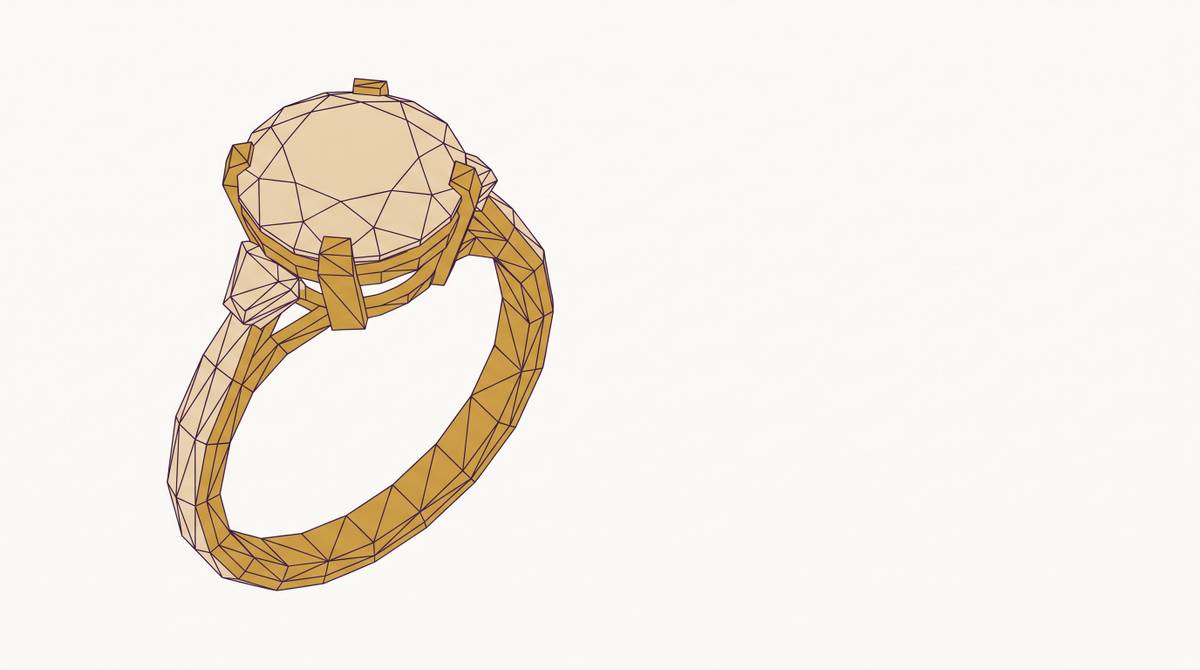
A manufacturability check verifies wall thickness, prong strength, stone clearances, castability, and surface geometry. Those criteria are what separate a visualization from a production asset. Files that have cleared none of those criteria have no business being sent to a manufacturer.
Files should carry a status. Concept. Reviewed. Approved for production. That taxonomy needs to be enforced consistently, because the alternative is a library where nobody is quite sure which files are safe to send out. Manufacturers will cast whatever you send them. They are not checking your homework.
The cost math is not complicated. Catching a wall-thickness problem in the library costs a conversation. Catching it after a casting run costs the run. Catching it after fulfillment costs the customer, the return, and whatever goodwill you had built. The manufacturability check is the cheapest quality control available, and it only works if it happens before the file leaves the library. Every single time.
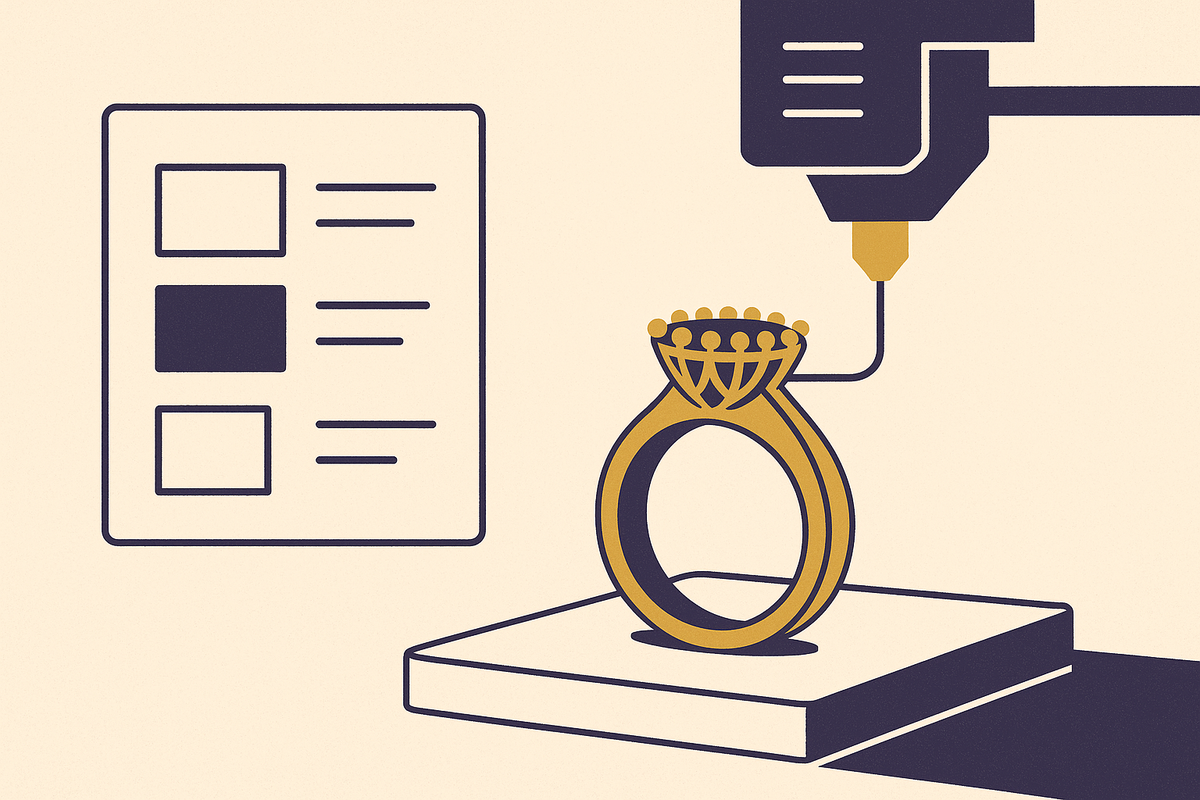
The STL export path, CAD to STL to slicer to castable resin print to casting, is where file quality problems become production costs. The library stage is the right place to intercept them.
Connecting the CAD Library to Downstream Commerce
This is where library management stops being a back-office concern and starts touching revenue directly.
The same parametric logic that manages a design family internally can expose variant selection to a customer through a configurator. Metal choice, stone type, size variants, engraving options. The same parameters that define SKUs internally become the customer's selection interface. The library and the product experience share the same underlying asset, which means they should stay in sync automatically rather than through someone manually updating a storefront.
The commerce case for this is not subtle. Shoppers who interact with products in 3D are meaningfully more likely to add to cart and place an order. Visitors using augmented reality show even stronger purchase behavior. Shopify's data from Rebecca Minkoff's AR rollout put the lift at 65% for purchase likelihood among AR users. Separately, a substantial portion of luxury shoppers abandon purchases because they cannot see product details adequately. A well-structured parametric library, exposed through a configurator, directly addresses that failure point.
The critical thing: every configuration a customer makes should output a production-grade file, not just a render. If the commerce layer produces renders and the manufacturing layer requires separate CAD files, you have reintroduced all the original problems at the order level. Inconsistency. Rework. Manual conversion. The loop is not closed.
Brands that get this right can support made-to-order models at scale without building bespoke files per order. The parametric library generates the production file at the moment of purchase. Tools that stop at visualization force a manual conversion step back into production every time. Pencil Design is one platform that embeds parametric logic directly into its AI-powered CAD generation, meaning teams can populate and manage larger libraries without the file explosion that would otherwise accompany growth. Its configurator outputs production-grade files rather than renders. That operational difference is easy to underestimate until you are processing a hundred orders a week and doing manual conversions on every single one.
What a Mature Multi-SKU CAD Library Actually Looks Like, and How to Build Toward One
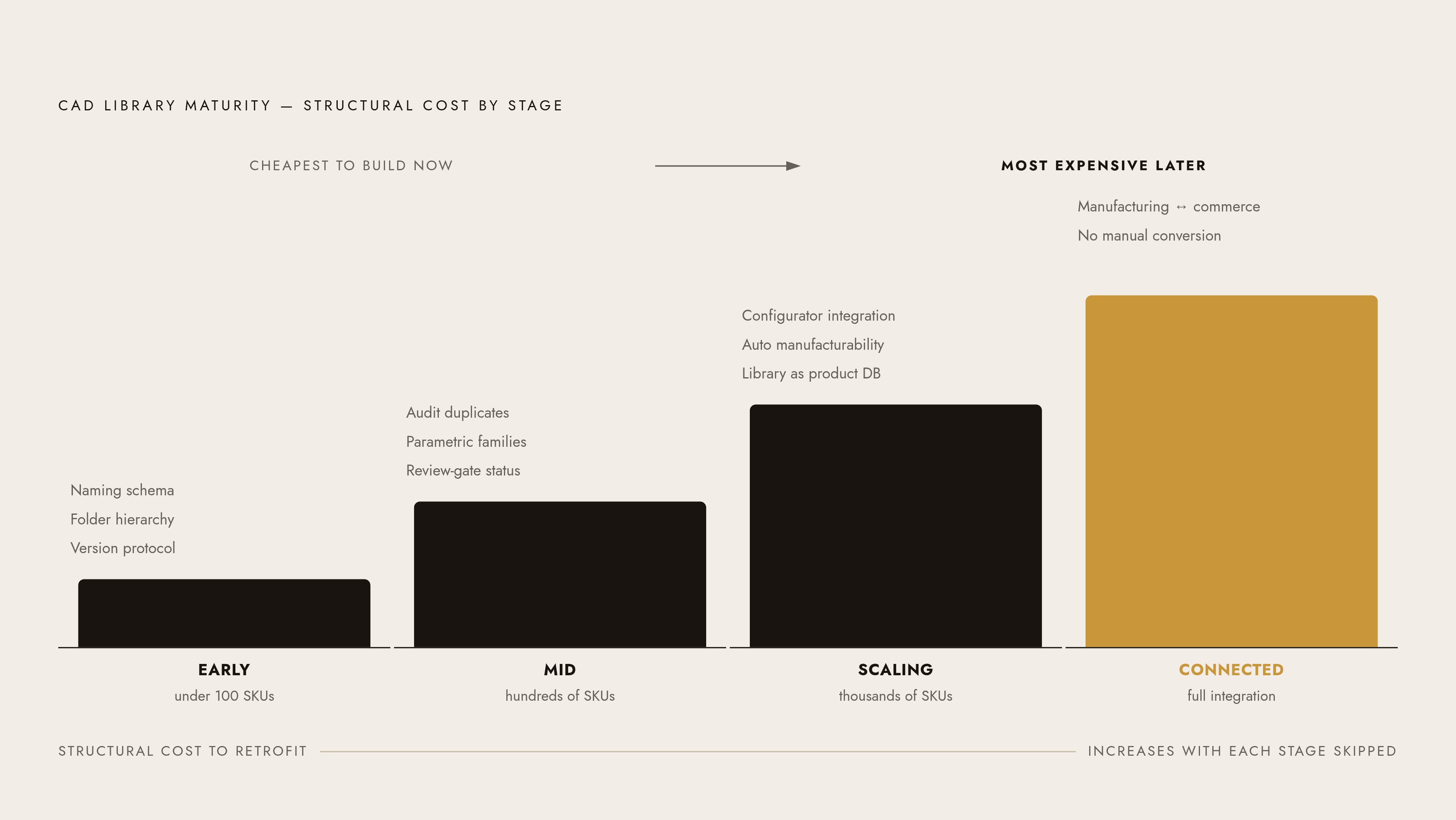
A mature multi-SKU CAD library has four qualities. Every file is named and located predictably. Every production-approved asset is validated. Every design family is parametric rather than duplicated. The library connects to both manufacturing and commerce without manual conversion steps in between.
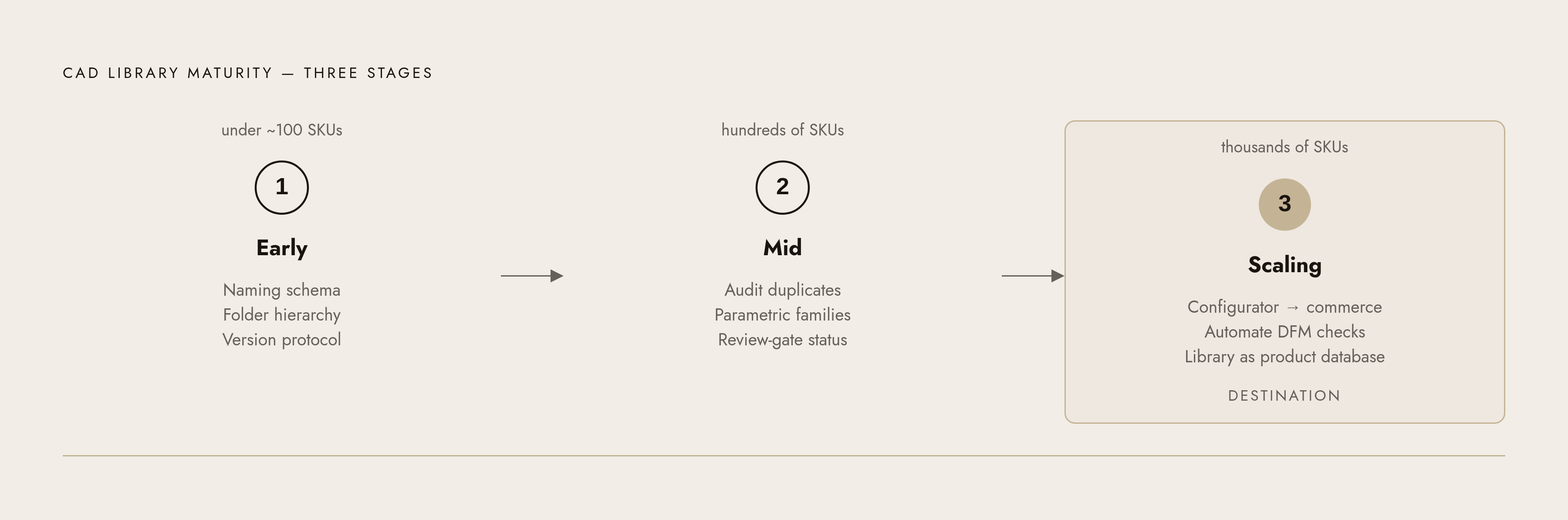
Getting there is a staged process, and the stages matter because the work looks different at each one.
Early stage (under roughly 100 SKUs): Establish the naming schema, folder hierarchy, and version protocol before the library outgrows manual management. This is the cheapest moment to build the structure. It will feel premature. Do it anyway.
Mid stage (hundreds of SKUs): Audit for duplicate and near-duplicate files. Consolidate into parametric families where possible. Enforce the review-gate status system. This stage involves some painful cleanup, but it is still far cheaper than doing it at thousands of SKUs when the team is also trying to run a season.
Scaling stage (thousands of SKUs): Connect the library to commerce via configurator. Automate manufacturability checks. Stop thinking of the library as a file system and start treating it as a product database, because that is what it has become.
The jewelry management software market reflects how many brands are actively investing in exactly this kind of infrastructure. The market was estimated at roughly USD 1.9 billion in 2025 and is projected to approach USD 4.4 billion by 2034. That growth is not about design tools in isolation. It is about operational systems that make collections manageable at scale.
The brands that will grow without proportional headcount growth are the ones whose libraries are parametric, status-tagged, and connected to both manufacturing and commerce. Library structure is a scalability decision. Make it early and deliberately, and it holds up. Inherit it from the chaos of a hundred rushed launches and it will cost you every single time you try to grow.